








This calendar is for events run by LPI. Click here for a list of local association events.


  • Webinar – Excel: Everyday Uses – December 2, 2025

    Discover how Microsoft Excel can simplify your daily legal work in this practical webinar designed for legal professionals. Learn essential Excel functions and tools to manage data, organize case information, track deadlines, and create useful reports. Whether you’re new to Excel or looking to sharpen your skills, this session will help you work more efficiently and accurately in your legal practice.

    View Event

  • Webinar – Court-Ready PDFs: Adobe Quick Fixes for Legal Professionals – January 13, 2026

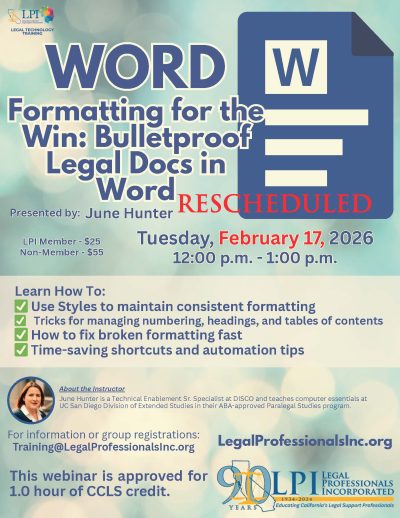
    Formatting problems in Word and Adobe can be a major productivity roadblock, but they don’t have to be! In this hands-on webinar, we’ll tackle common—and often mysterious—formatting issues and show you practical, time-saving fixes. Attendees can submit a “problem” document one week in advance for personalized demonstrations on how to resolve specific formatting challenges. Learn expert tips and tricks to overcome stubborn formatting glitches in both Word and Adobe, and discover simple solutions that will streamline your workflow and help you work more efficiently. Don’t let uncooperative formatting slow you down—sign up today and start fixing it all!

    View Event


  • Webinar – Creating A Court-Compliant Table of Contents and Table of Authorities – March 17, 2026

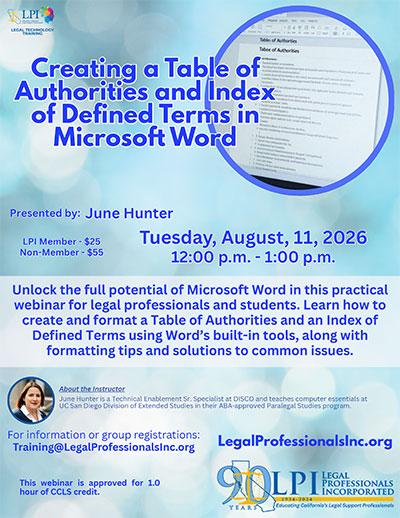
    Tables of Contents and Tables of Authorities aren’t just helpful—they’re required for many court filings! This webinar will show you how to create, format, and update TOCs and TOAs in Microsoft Word with precision and ease. Learn the tools and techniques legal professionals need to meet court requirements, avoid formatting errors, and save valuable time during the filing process.

    View Event

  • Webinar – E-DISCOVERY: From PDFs to Productions: Welcome to the World of e-Discovery – April 14, 2026

    This webinar introduces legal professionals to the fundamentals of managing electronically stored information (ESI) in litigation. It covers the e-discovery lifecycle—from collecting and reviewing PDFs, emails, and other digital files to preparing defensible productions. Learn key concepts, tools, and best practices to help you navigate the technical and procedural challenges of modern discovery with confidence.

    View Event

  • Webinar – Beyond the Basics: Adobe Tools Every Legal Pro Should Know – 6/9/2026

    Go beyond the basics and unlock the full potential of Adobe tools in your legal workflow. This session highlights practical, real-world features and time-saving techniques for managing, editing, organizing, and streamlining legal documents with greater efficiency and precision. Learn tips and best practices that can improve accuracy, enhance document presentation, and simplify everyday tasks for legal professionals at any level.

    View Event

  • Webinar – Mastering Word: Formatting Pleadings and Discovery Documents for Legal Professionals – July 7, 2026

    Join us for a comprehensive webinar designed to help legal professionals streamline the process of formatting pleadings and discovery documents in Microsoft Word. Learn expert tips and tricks for ensuring your legal documents meet court requirements, enhance readability, and maintain consistency across all files. Whether you’re new to legal formatting or looking to sharpen your skills, this session will provide valuable insights on using Word’s features to format text, tables, headers, footers, and more. Don’t miss out on this opportunity to improve your legal document preparation and boost your efficiency.

    View Event

  • Webinar – Style Savvy: Mastering Word for a Flawless Table of Contents! – July 14, 2026

    Ready to transform your document into a polished masterpiece? Join us for “Style Savvy,” a hands-on class designed to help you master Microsoft Word styles and create a professional Table of Contents with ease. You will learn how to apply and modify styles, use automatic numbering, navigate the Styles Pane, and generate a customized TOC that reflects your document structure perfectly.

    View Event


  • Webinar – Microsoft Copilot for Legal Professionals: Practical AI Workflows and Ethical Use (2026 Update) – August 18, 2026

    This program explores how Microsoft Copilot can improve productivity across Word, Outlook, Teams, Excel, and PowerPoint for legal professionals. The session will compare Copilot to tools such as ChatGPT, Harvey, and LexisAI, while also addressing ethical considerations, confidentiality concerns, and best practices under ABA Formal Opinion 512.

    View Event

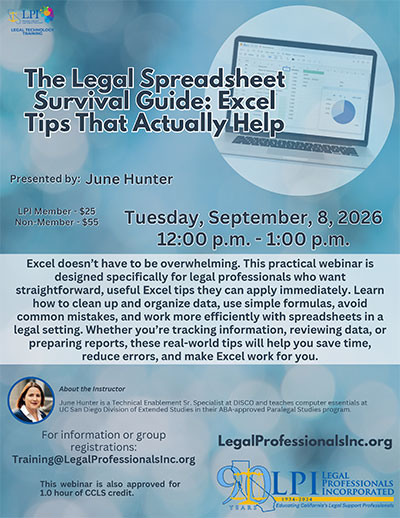
  • Webinar – The Legal Spreadsheet Survival Guide: Excel Tips That Actually Help – September 8, 2026

    Excel doesn’t have to be overwhelming. This practical webinar is designed specifically for legal professionals who want straightforward, useful Excel tips they can apply immediately. Learn how to clean up and organize data, use simple formulas, avoid common mistakes, and work more efficiently with spreadsheets in a legal setting. Whether you’re tracking information, reviewing data, or preparing reports, these real-world tips will help you save time, reduce errors, and make Excel work for you.

    View Event

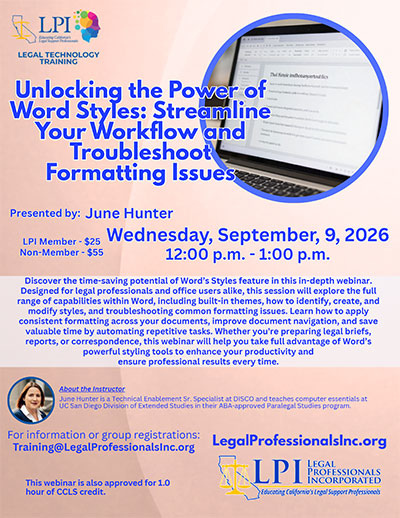
  • Webinar – Unlocking the Power of Word Styles: Streamline Your Workflow and Troubleshoot Formatting Issues – September 1, 2026

    Discover the time-saving potential of Word’s Styles feature in this in-depth webinar. Designed for legal professionals and office users alike, this session will explore the full range of capabilities within Word, including built-in themes, how to identify, create, and modify styles, and troubleshooting common formatting issues. Learn how to apply consistent formatting across your documents, improve document navigation, and save valuable time by automating repetitive tasks. Whether you’re preparing legal briefs, reports, or correspondence, this webinar will help you take full advantage of Word’s powerful styling tools to enhance your productivity and ensure professional results every time.

    View Event

  • Add your events to your calendar individually on each event page or....
    Automatically add all of LPI's events to your calendar with AddEvent

    AddEvent Apple
    AddEvent Google
    AddEvent Office365
    AddEvent Outlook
    AddEvent Outlook.com
    AddEvent Yahoo